Accessing Love Your Body™ Club points balanceUpdated 5 days ago
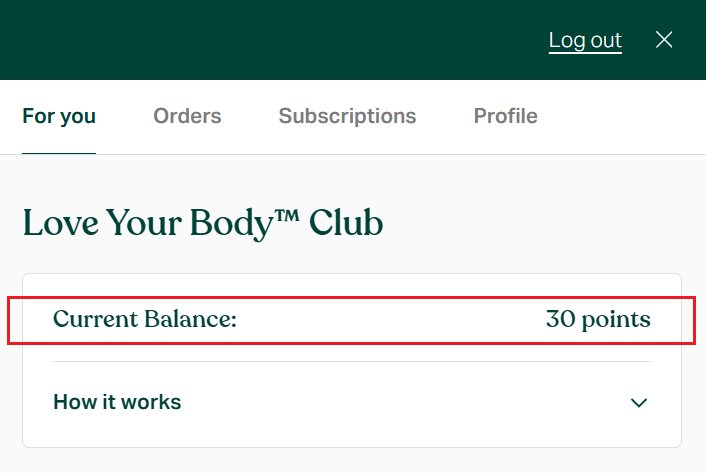
You can view your points balance on your Love Your Body™ Club members' account page.
- Log in to your customer account using your registered email address.
- Select the Customer Account icon in the top right-hand corner of our website.
- Once signed in, the Customer Accounts drawer will open on the left-hand side of the screen. Here, you’ll see your current Points Balance available on your account.